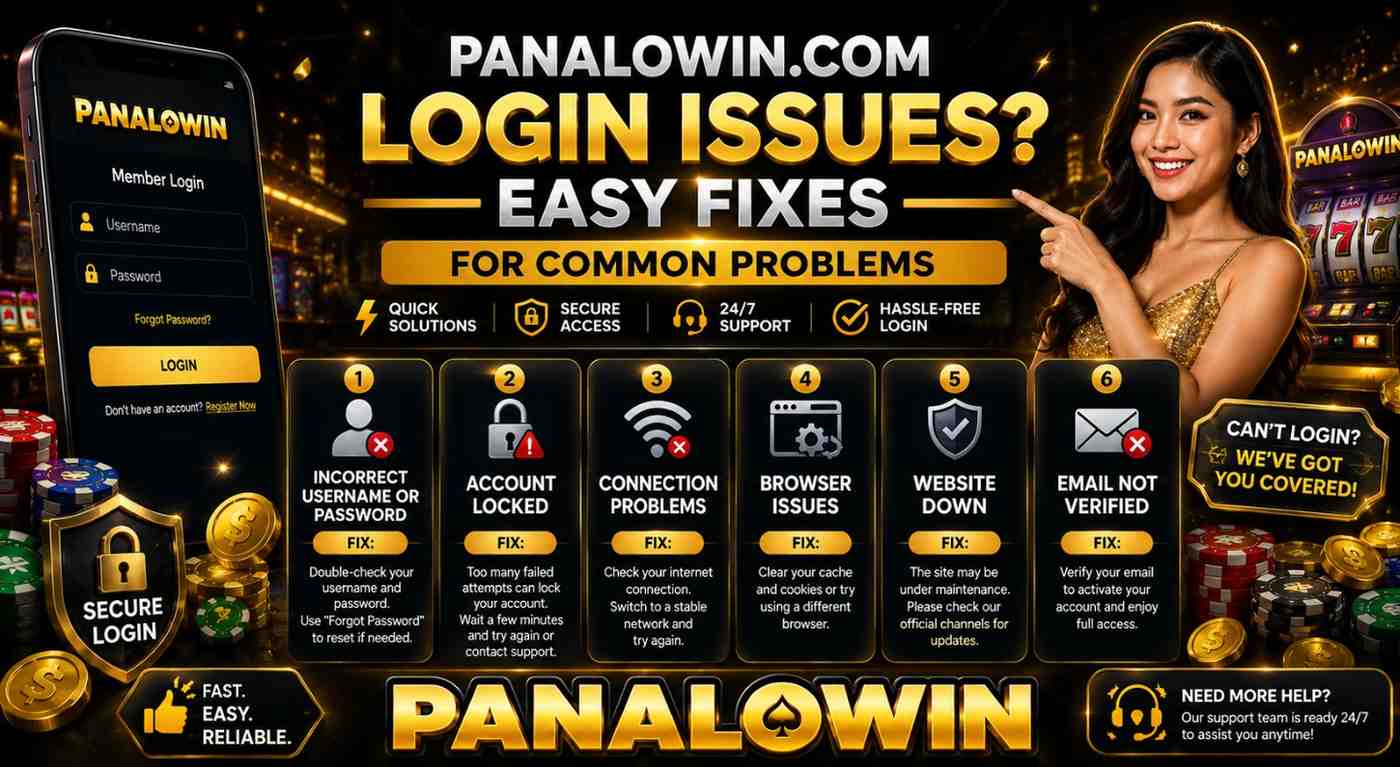
Can’t get into Panalowin.com no matter what you try? Yeah, it sucks. I’ve seen so many players complain about this exact thing in groups and comments. Forgotten password, random errors, account locked — it happens all the time. The good news? Most of these problems are easy to fix yourself. Let me walk you through what actually works.
Forgotten Password or Username
This is the number one issue.
Head to the Panalowin login page and click “Forgot Password” or “Forgot Username.” Put in your registered email or phone number. Then check your inbox and spam folder. The reset link comes pretty fast most times, but you gotta click it quick before it expires.
Real tip: Once you’re in, go update your email and phone right away. It saves a ton of stress later.
Wrong Username or Password
Getting that red error every time?
Make sure Caps Lock is off. Usernames are picky about capital letters. Clear your browser cache and cookies, or just open an incognito tab and try again. Switching from phone to laptop (or the other way) fixes it surprisingly often.
Get yourself a password manager. Seriously, it stops this headache for good.
Account Got Locked
Typed the wrong password too many times? The system locks you out for a bit.
Wait 15-30 minutes and try again. Still no luck? Open the live chat on the site and tell support what happened. Have your username or email ready. They usually unlock it fast. And make sure your ID verification is done if they ask.
Browser or Phone Acting Weird
Sometimes it’s not even your account — it’s your device.
Update your browser (Chrome or Firefox are the most reliable). Turn off VPN, ad blockers, or any extra extensions. If you’re using the Panalowin App Download the latest version from the official link.
Bad Connection or VPN Problems
This one catches a lot of people.
Completely switch off your VPN. Try mobile data instead of Wi-Fi. Or just restart your router. You’d be surprised how often this solves it.
Site Maintenance
Every once in a while the platform is doing updates.
Check their official Facebook page for announcements. These usually don’t take long. Just give it a few minutes and refresh.
Stuff You Should Do to Avoid Problems
- Turn on 2FA in your settings. Extra security, less hassle.
- Always type panalowin.com directly. Never click links from random messages.
- Keep your contact details updated.
- Take screenshots of errors when talking to support.
Tried everything here and still stuck? Just message Panalowin support. They’re usually pretty quick once you explain the issue clearly.
Most of the time these steps get you logged back in within minutes. Once you’re in, play smart — set limits and don’t chase losses.