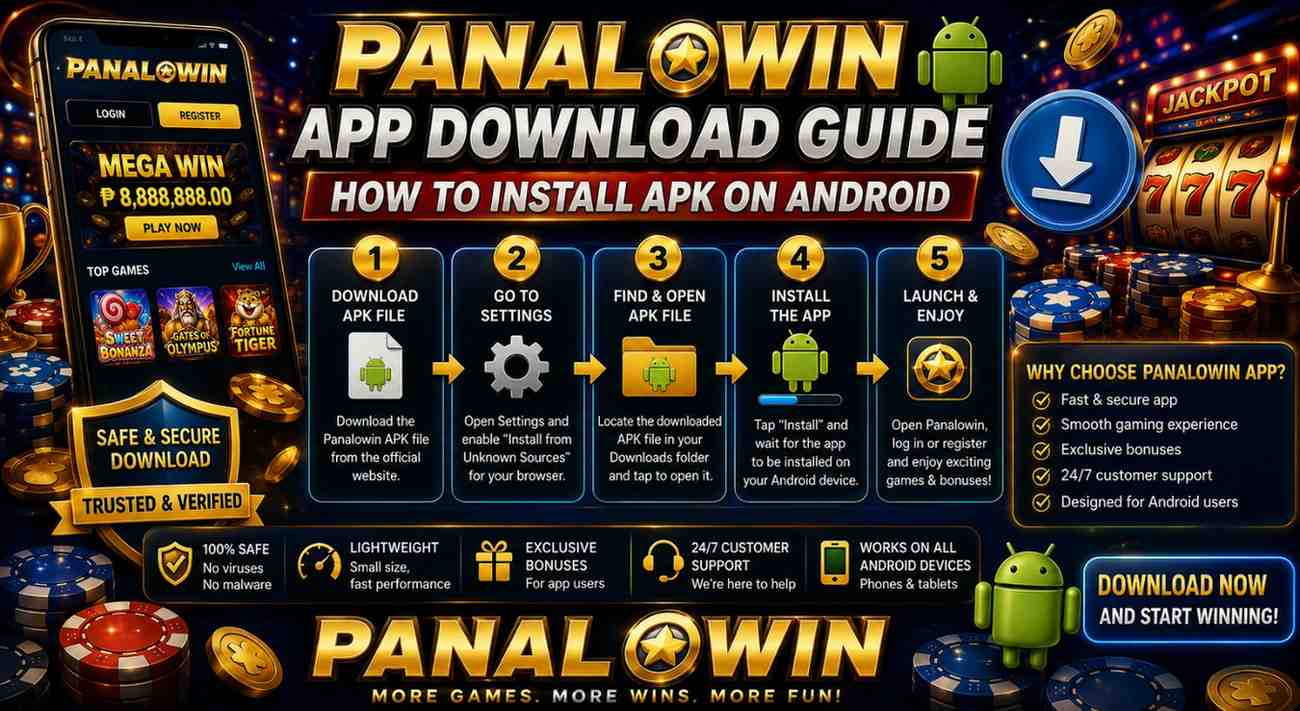
If you use an Android phone and want to play casino games, slots, live dealers, or fishing titles without any hassle, the Panalowin Download App is a good pick. It’s not on the Google Play Store because of how they handle gaming stuff, so you have to download the APK straight from the official site. The good news is it’s not complicated at all – I’ll walk you through every step so you can get it set up quickly and safely.
What the Panalowin App Is
This is the mobile version of the site at panalo.cc and panalowin.net. You’ll get decent graphics, controls that feel natural on your screen, daily bonuses, payments that go through fast and safe, and support whenever you need it. It works fine on most Android phones and tablets, which means you can play on the go without firing up your computer.
One thing to keep in mind: Only grab the file from the official website. Other places might have sketchy copies that could cause issues with your phone or your info.
What to Check Before You Begin
Make sure your phone is ready for this:
- Android 5.0 or higher
- Around 100 MB of free space
- A solid internet connection – Wi-Fi is way better than mobile data
- You’re on the actual official site
Downloading the APK File
Open your regular browser on your phone and head over to the official Panalowin website.
Look for the obvious “Download” or “Get the App” button and tap it.
The file is only about 48 MB, so it downloads pretty fast. You’ll see it happening in your notifications.
After it finishes, just give the file name a quick look to make sure everything seems norma
How to Install on Your Android Phone
Your phone usually blocks apps that don’t come from the Play Store, so you’ll flip one simple setting first.
Go to Settings > Apps (some older phones say Security instead).
Find Install unknown apps or Special app access, choose the browser you’re using, and turn the permission on.
Then open your Downloads folder or tap the notification when the file is done.
Tap the APK, check the permissions it lists, and hit Install.
When it’s finished you can open the app right away.
First time you launch it, just Panalowin Login or sign up. The app usually handles any updates by itself.
A Few Safety Tips
Stick to the official website every time.
Keep your phone’s security updates current.
Take a second to read what permissions the app wants.
The games can involve real money, so only spend what you’re okay with and check what’s allowed where you live.
Fixing the Most Common Problems
Resetting your Panalowin password is quick, safe, and made so you can get back to the fun without a big
Download won’t start or stops halfway? Clear your browser cache or switch your VPN off for a minute.
Installation gets blocked? Head back to Settings and confirm the permission is turned on for the right browser.
App crashes as soon as you open it? Restart your phone and double-check your Android version.
Update troubles? Just download the newest file from the official site again.
headache. Follow these steps and you should be sorted in no time. The team’s around 24/7 if you need a hand.
Haven’t joined yet? It’s worth checking out – the welcome bonuses are decent and there are loads of games. Just remember to play responsibly and only spend what you can comfortably afford.
A Couple of Quick Questions People Usually Ask
Why isn’t it on the Google Play Store?
They have rules that keep certain gaming apps off the store, so the real one comes straight from the website as an APK.
How big is the file?
It’s only about 48 MB right now, so it barely takes any space.
Can I do this on an iPhone?
This guide is just for Android. If you have an iPhone, go to the official site and they’ll show you what works for Apple.
Is the app safe?
It is, as long as you download from the official source. It uses regular encryption to protect your details.